
Since our phones store most of our important memories, losing access feels terrifying. When an Android screen breaks, many users think all their data is gone forever. Whether the display is cracked or even unresponsive, various ways exist to bring your data back.
Many users now rely on tools like Dr.Fone Android recovery software to access their files. Nevertheless, understanding which recovery method works best depends on the type of damage. Thus, in this ultimate guide, we explain common mistakes and practical steps anyone can follow.
Part 1: Understanding Broken Android Phones: Cracked, Black, or Dead Screens
Before attempting any fixes, it is crucial to identify your phone’s exact condition. Broken phone data recovery depends on whether the screen is cracked, black, or the device won’t turn on. Knowing the scenario guides your approach, helping you choose the right methods. It prevents further damage and increases success rates. Below, you will explore a table to compare all these damage scenarios:
| Scenario | What Happens | Why It Matters for Recovery |
| Cracked Screen | The screen glass is damaged, but the phone still responds | Data is safe; touch input usually works |
| Black Screen | Display is blank; phone may be on | You can’t see anything, making normal recovery hard |
| Dead / Non-Booting | Phone won’t turn on at all | Risk of permanent data loss if forced |
Part 2: Why Most People Fail at Broken Phone Data Recovery
Many users try quick fixes without understanding risks, which worsens the damage. Rebooting or forcing damaged phones also extends internal issues beyond repair. Tools like Dr.Fone Android recovery software help, but improper attempts can reduce success. Below are common mistakes and habits that reduce your recovery success:
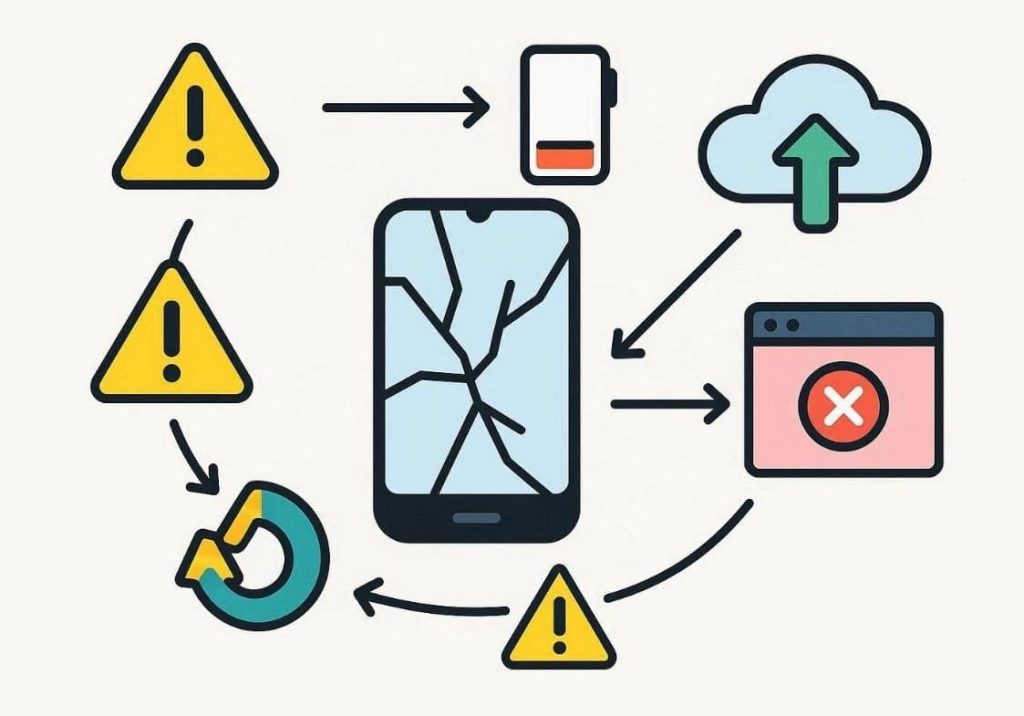
- Repeated Restarts: Each restart forces hardware to reload unstable files, stressing internal storage. Continuous power cycling increases crash risks and corrupts recoverable system data.
- Forced Charging: Using random chargers leads to unstable current that can damage circuits. A damaged battery reacts, making recovery issues worse before any analysis begins.
- Ignoring Backups: Many users fail to maintain backups before attempting recovery. Without backups, even simple mistakes can lead to permanent loss of essential data.
- Force Resets: Performing hard resets deletes essential system and user files. So, this action can overwrite data, making broken phone data recovery much harder.
- Wrong Software: Installing mismatched firmware attempts can crash boot files. Always select the correct model versions for safe data extraction procedures afterward.
Part 3: Samsung Broken Screen Data Recovery: Real-Life Solutions That Work
Samsung phones are known for their value, but screen damage causes data panic. Users care about retrieving gallery photos and contacts before the repair. Alongside, modern tools simplify the Samsung broken screen data recovery process. So, this part covers recovery solutions users can apply in real-life cases:
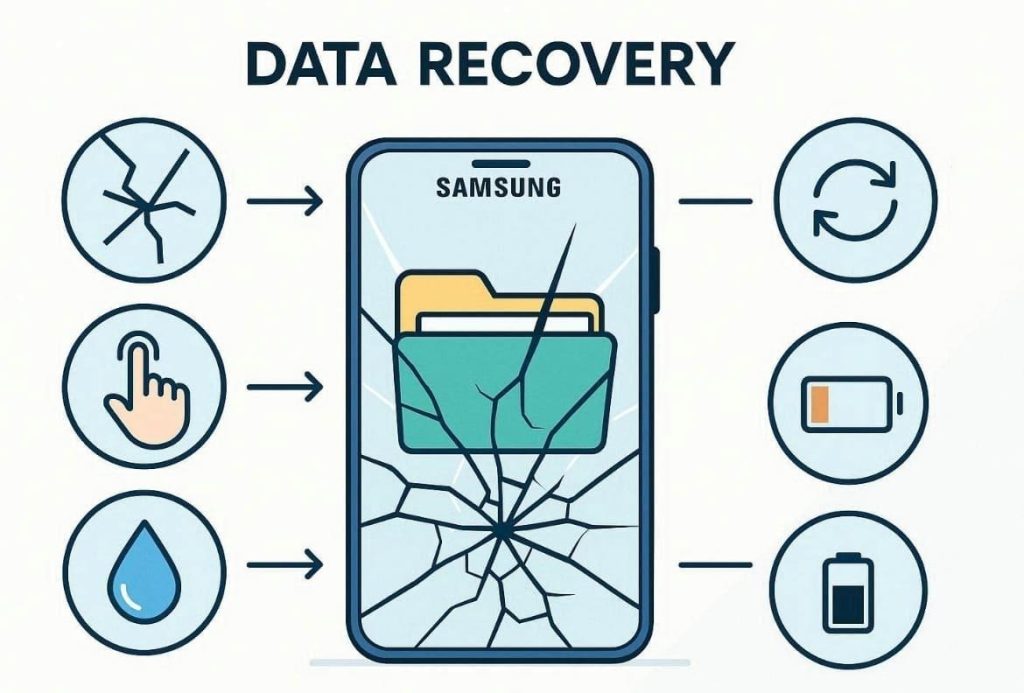
- Cracked Display: The screen is damaged, but the phone still powers on and connects to computers. Data recovery works since internal storage remains accessible without additional repairs.
- Touch Failure: Phone’s display shows content, but touch input does not respond anymore. Using OTG accessories allows navigation and file access without touching broken screens.
- Water Damage: Your screen stops working after exposure to moisture or liquid contact. Quick recovery attempts help save data before corrosion spreads to storage components.
- Boot Loop: The Samsung phone keeps restarting and never reaches the home screen. Early recovery attempts can extract files before repeated restarts cause further damage.
- Battery Drain: Phone powers on, then shuts down due to battery instability issues. Connecting to a computer enables short recovery sessions.
Part 4: Dr.Fone Android Recovery for Broken Devices: Features and Guide
When your Samsung or other Android device breaks, manual methods fail under pressure. You need a reliable tool that works without root for quick data rescue. At this particular point, Dr.Fone – Data Recovery (Android) stands out for these situations. It supports the latest Android 16 to ensure compatibility with devices users currently depend on. Users can even retrieve over 14 types of deleted data, such as messages and videos.
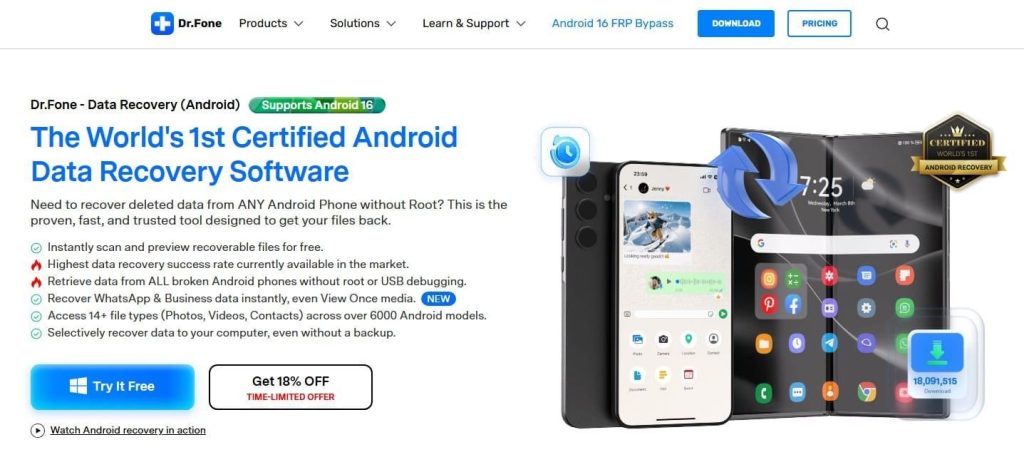
Dr.Fone Android recovery software also supports over 6000 devices, including Samsung devices. The software scans devices and previews recoverable files before recovery actions. Also, its selective recovery lets users save only essential files instead of restoring everything. Plus, Dr.Fone recovers data without root access or USB debugging on many broken phones. Users can also recover WhatsApp chats, including media and View Once items.
Key Features
- APK Recovery: Recovers deleted application data and previously installed APK packages from internal storage.
- High Success: Provides a strong recovery performance compared with many standard mobile recovery methods.
- Broken Screen: Extracts photos, messages, and files even from cracked, black, or unresponsive screens.
Detailed Steps to Recover Data from a Broken Device via Dr.Fone
Take guidance from the following steps for this broken phone data recovery tool:
Step 1. Open the Broken Phone Recovery Mode
When you access the “Toolbox” tab, head to the “Data Recovery” feature. Afterward, choose “Android” as your device and then click “Recover from Broken Phone.”
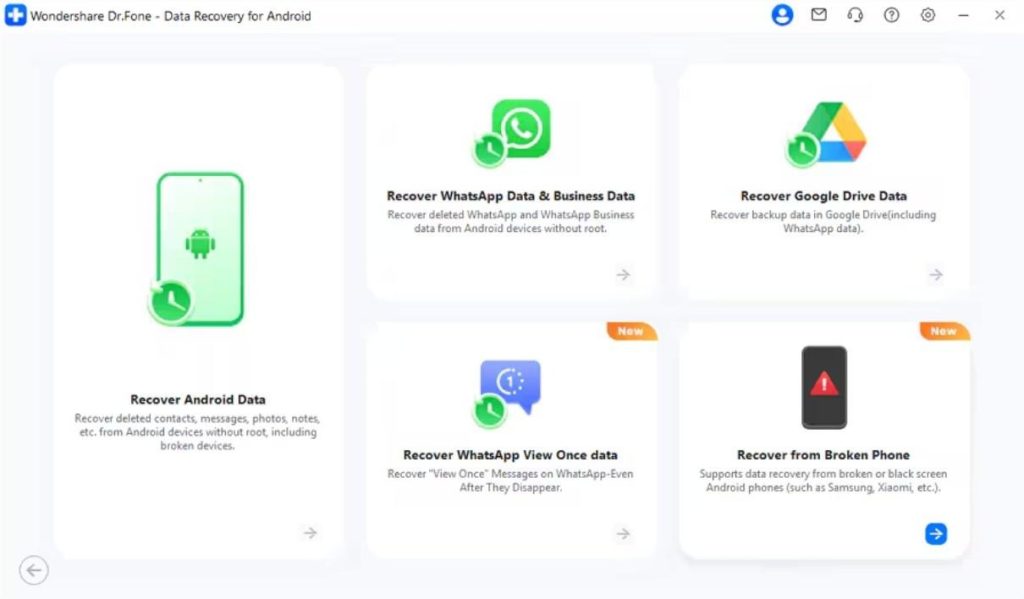
Step 2. Confirm the Phone’s Issue
Choose the option such as “Display Still Works, But the Screen Is Broken or Not Responding.” Now, click “Next” to attach your Android to the PC and then hit “OK” to confirm your selection.
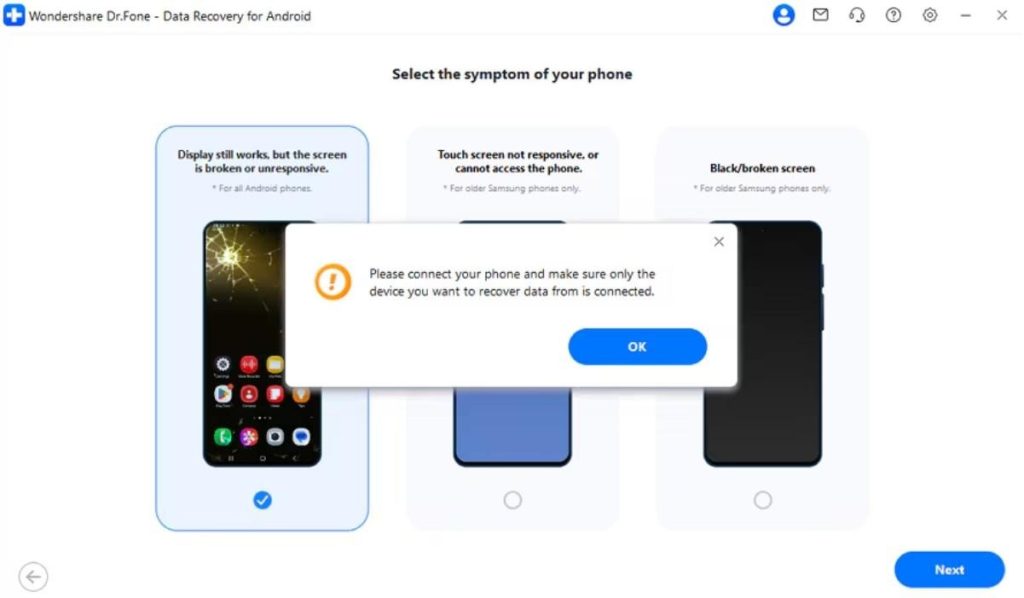
Step 3. Extract Data from the Broken Device
Following this, you need to allow the tool to install the necessary drivers. When prompted, click “Yes, It Works” to begin restoring your essential data to the computer.
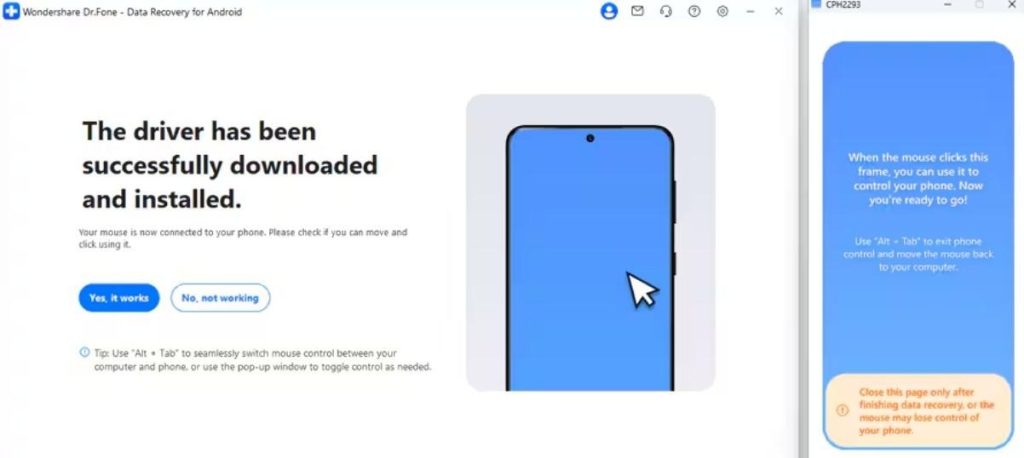
Part 5: Repair First or Recover First? How to Decide on Broken Phones
Deciding between repair and recovery creates confusion for many broken phone owners. The choice depends on damage type, data urgency, and device condition factors. For Samsung broken screen data recovery, timing matters to avoid permanent loss risks. Below is a decision table to guide your next steps clearly:
| Situation | What This Means | Better Choice |
| The screen is cracked, but the phone works | The problem is visual, not related to internal storage | Repair first |
| The screen is entirely black | The phone may still run, but access is blocked | Recover first |
| Touch does not respond | You cannot unlock or control the phone | Recover first |
| Phone restarts or shuts down | Internal stability is uncertain and may worsen | Recover first |
| Data was recently backed up | Files already exist safely elsewhere | Repair first |
| No backup exists | Data lives only inside the damaged phone | Recover first |
| The repair cost is high | Fixing hardware costs more than data value | Recover first |
Conclusion
In conclusion, a broken phone screen can feel alarming, but quick action greatly improves recovery chances. This guide outlined the main damage types and common mistakes to avoid. In urgent situations, the priority is usually photos and chats, since they hold the most personal value.
Therefore, attempting recovery before repair helps protect memories when a screen suddenly fails. That is why Dr.Fone Android data recovery software can help retrieve important files with less stress.